
EQUIPMENT SETUP
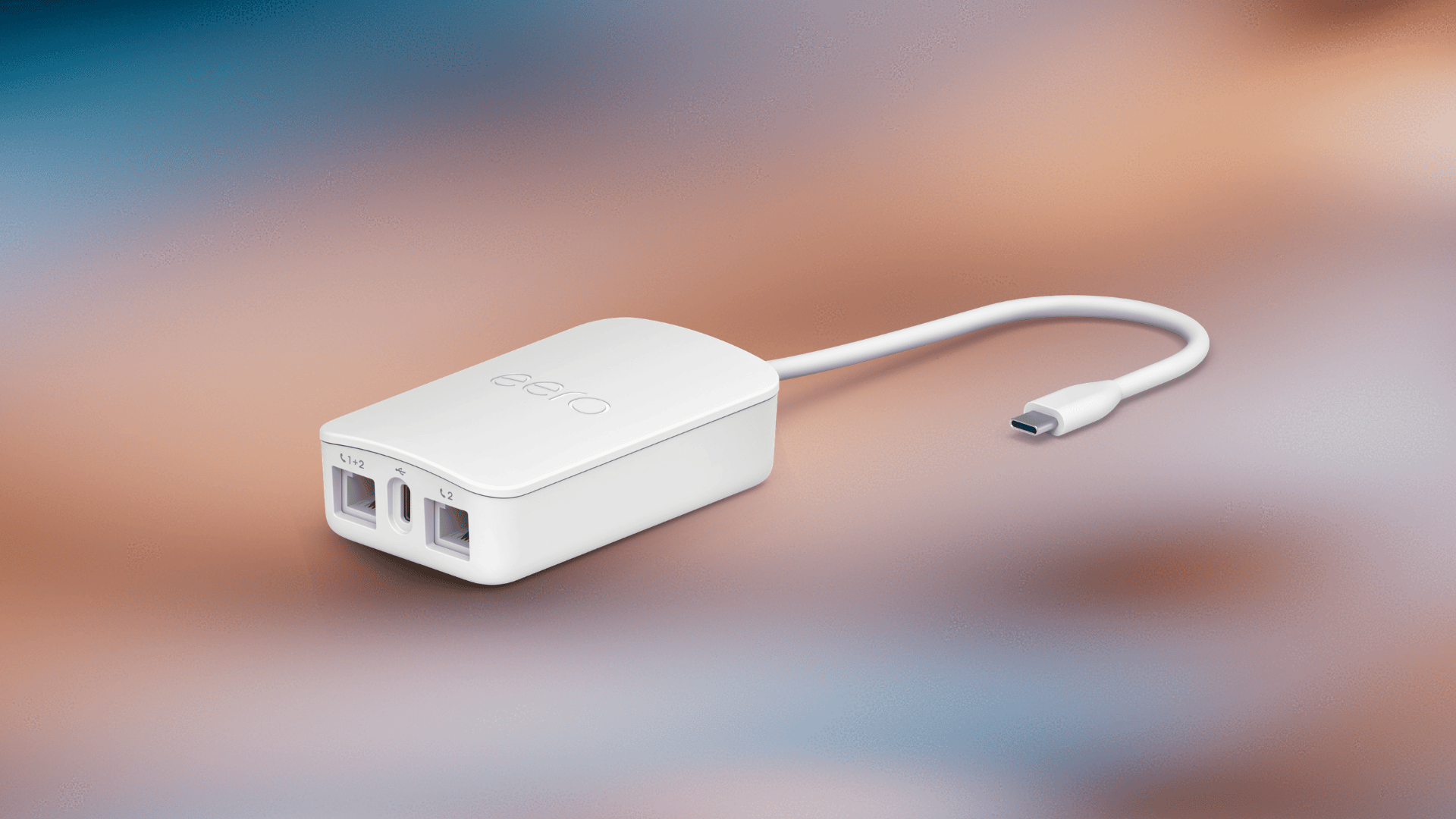
Get Your Adapter
Call 1-888-682-1884 and press 1 to request VoIP service and confirm compatibility with your equipment.
Set Up Your Adapter
An advanced add-on with a complete security toolset.
- Check your activation email. If you are transferring a number, keep your previous phone service active until Visionary Broadband confirms the transfer is complete.
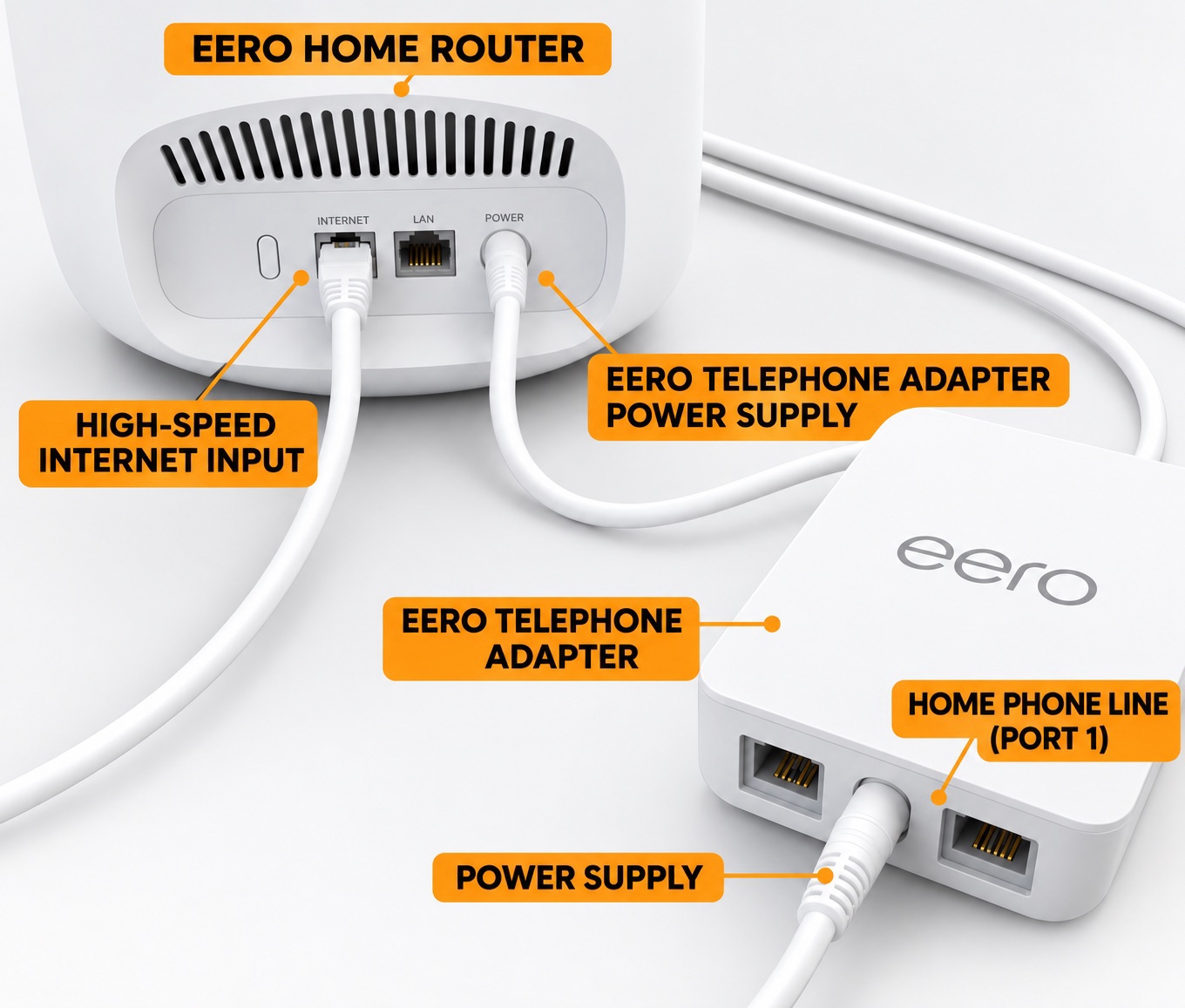
- Connect the adapter to your eero. Follow your setup guide and wait for the eero light to turn solid white.
- Connect your telephone to Port 1. Your first phone line is configured to use Port 1. Check for a dial tone once your service is activated.
Download the Setup Guide
New Phone Number
Use this guide if Visionary Broadband has assigned you a new number.
Download New Number Setup Guide
Existing Phone Number
Use this guide if you are bringing your number from another provider. Includes what to do before and after your transfer.
Download Number Transfer Setup Guide